What Is Sled Rider?
Sled Rider is a free 3D endless sledding game you can play in your browser. Steer your sled down a snowy slope, dodge trees, rocks and traps, and collect gift boxes to unlock new sleds. The farther you ride, the higher your score.
Sled Rider vs Slope Rider vs Snow Rider 3D
People often mix these three up: they share a downhill, dodge-and-collect loop. On this site, each has its own game player and menu. Start with the title you remember, then check its controls and sled choices.
Swipe or scroll sideways to compare all three games →
| Feature | Sled Rider | Slope Rider | Snow Rider 3D |
|---|---|---|---|
| Where to play | In your browser, above | In your browser, on our homepage | In your browser, on our Snow Rider 3D page |
| Download or payment | No app download or payment to this site | No app download or payment to this site | No app download or payment to this site |
| Main actions | Steer downhill, jump gaps, dodge hazards and collect gifts | Steer downhill, jump hazards, collect gifts and beat your distance | Steer around trees and snowmen, jump obstacles and collect gifts |
| Keyboard controls | ← → to steer; ↑ to jump | ← → to steer; ↑ to jump | ← → to steer; ↑ to jump |
| Gifts and unlocks | Spend gifts in the Sleds Shop; each locked choice shows a price | Gift boxes unlock sled choices in its own menu | Collect gifts and open the cart icon for sled choices |
| Play on this site | Sled Rider | Slope Rider | Snow Rider 3D |
Each player keeps its own game progress; this site does not transfer gifts or unlocked sleds between them. The game providers may show their own ads or notices.
How to Play Sled Rider: Controls and Tips
Choose Play Now, wait for the game to load, then follow its start screen. On a computer, click inside the game to give it keyboard focus. Your sled moves forward automatically.
← → Steer left or right
↑ Jump
- Read the slope early. Look past the nearest obstacle and aim for a clear route before you reach it.
- Leave room at the edges. Stay away from the sides when you can, so a small correction does not send you off the slope.
- Take safe gifts. Skip a gift box if reaching it means hitting a tree, rock or trap.
- Keep a steady rhythm. Use short steering inputs and plan your landing before jumping over a gap.
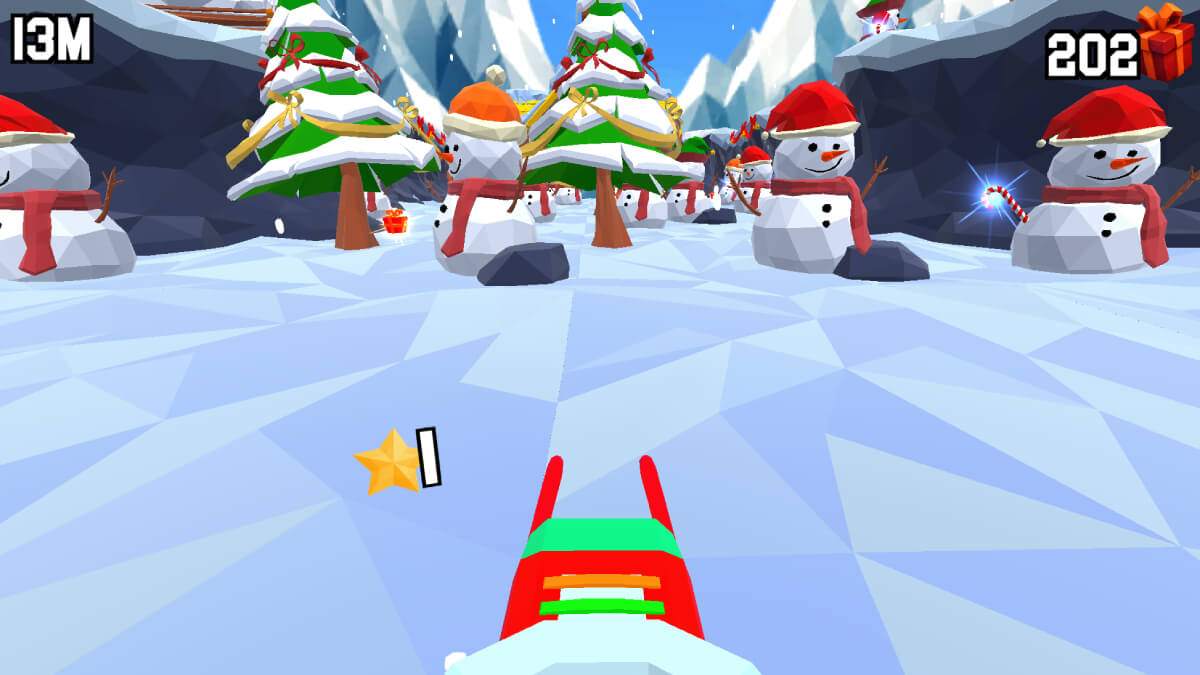
The arrow keys above are for keyboard play. On a phone or tablet, use the game's touch controls and follow its on-screen instructions.
Is Sled Rider Unblocked?
Sled Rider runs right in your browser, with no app to install. To play at school or work, your network needs to allow both this site and the game provider.
On a Chromebook, open this page in your browser and use the arrow keys; no browser extension is required. If a managed network blocks the game, ask your administrator about permitted access.
If the player is blank or stuck loading, open Help below the game for loading checks. If download progress has stopped for several minutes, check your connection before trying Reload game.
Gifts, Sleds and How to Unlock Them
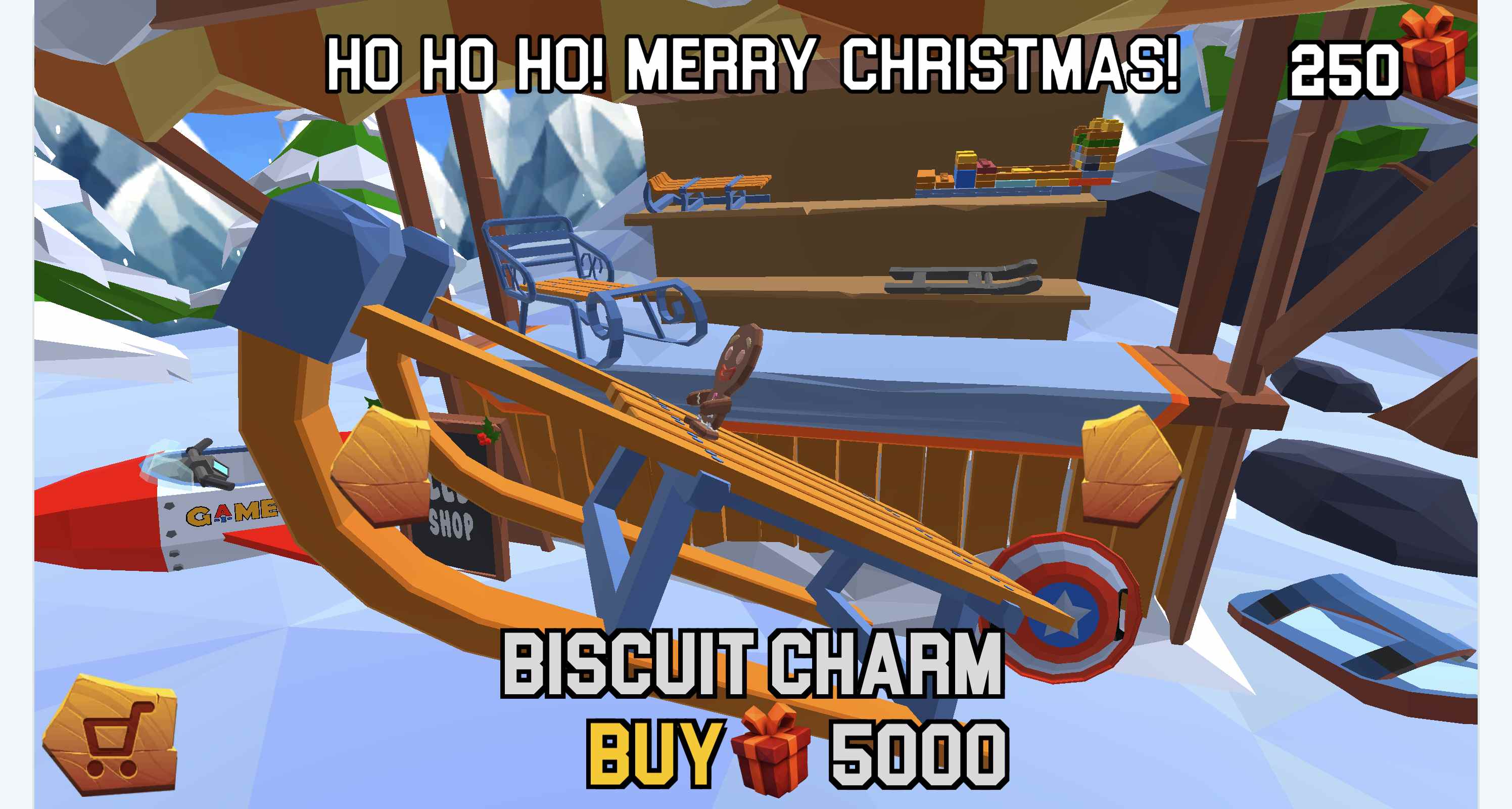
Collect gift boxes during your runs, then choose the cart icon on the start screen to open the Sleds Shop. Use its arrows to browse sleds. A locked choice displays BUY beside a gift icon and its price; spend your collected gifts when you have enough.
| Sled | Gift boxes needed |
|---|---|
| Toboggan | 100 |
| Plastic Sleds | 250 |
| Tuskarr Sleds | 250 |
| Ancient Sleds | 250 |
| Modern Sleds | 250 |
| Evil Sleds | 500 |
These are examples from the shop, not its complete catalogue. The starter Wooden Sleds are available at the beginning. Use the gift price beside BUY to choose a sled you can afford. Your score and gift balance are separate.
Play Sled Rider on a Phone, Chromebook or Tablet
Sled Rider is playable in your browser on a computer, Chromebook, phone or tablet. On a computer or Chromebook, let the game finish loading, then click inside it before using the arrow keys.
On a phone or tablet, use the game's touch controls. Rotate your device to landscape for more room, or try Expand game or Fullscreen for a larger view.
If a less powerful device struggles, close other busy tabs or apps before trying again. Reloading the player starts a fresh game load and can interrupt your current run.
Sled Rider 3D — What's the Difference?
The Sled Rider player above already uses 3D graphics. Mobile stores also have games with similar names. When looking for an app, use its publisher and platform to find the one you want.
To play this browser game, choose Play Now above; no app installation is needed.
FAQ
What is Sled Rider?
Sled Rider is a 3D browser game where your sled moves downhill automatically. On a computer, use the left and right arrow keys to steer and the up arrow to jump past obstacles. On a phone or tablet, use the game’s touch controls. Collect gift boxes to unlock sleds in the game menu.
Is Sled Rider the same as Slope Rider?
The Sled Rider browser game featured here is separate from Slope Rider, with its own menu and progress. Progress does not transfer between them.
Do I need to download Sled Rider or pay for it?
No app download is needed. You can play here without paying this website or creating an account on this website. The game provider may show its own ads.
Can I play Sled Rider unblocked at school?
Your school network needs to allow both this website and the game provider to load the game. If access is blocked, ask your administrator about permitted use.
Is Sled Rider similar to Snow Rider 3D?
Both involve avoiding obstacles and collecting gift boxes to unlock sleds. They have separate game entry points, menus and progress.
Who developed the sledding game?
SledRider.io credits the browser game featured here to AZGames.io. This attribution does not cover similarly named Xbox games or mobile apps.
Comments
Loading comments…